Settings
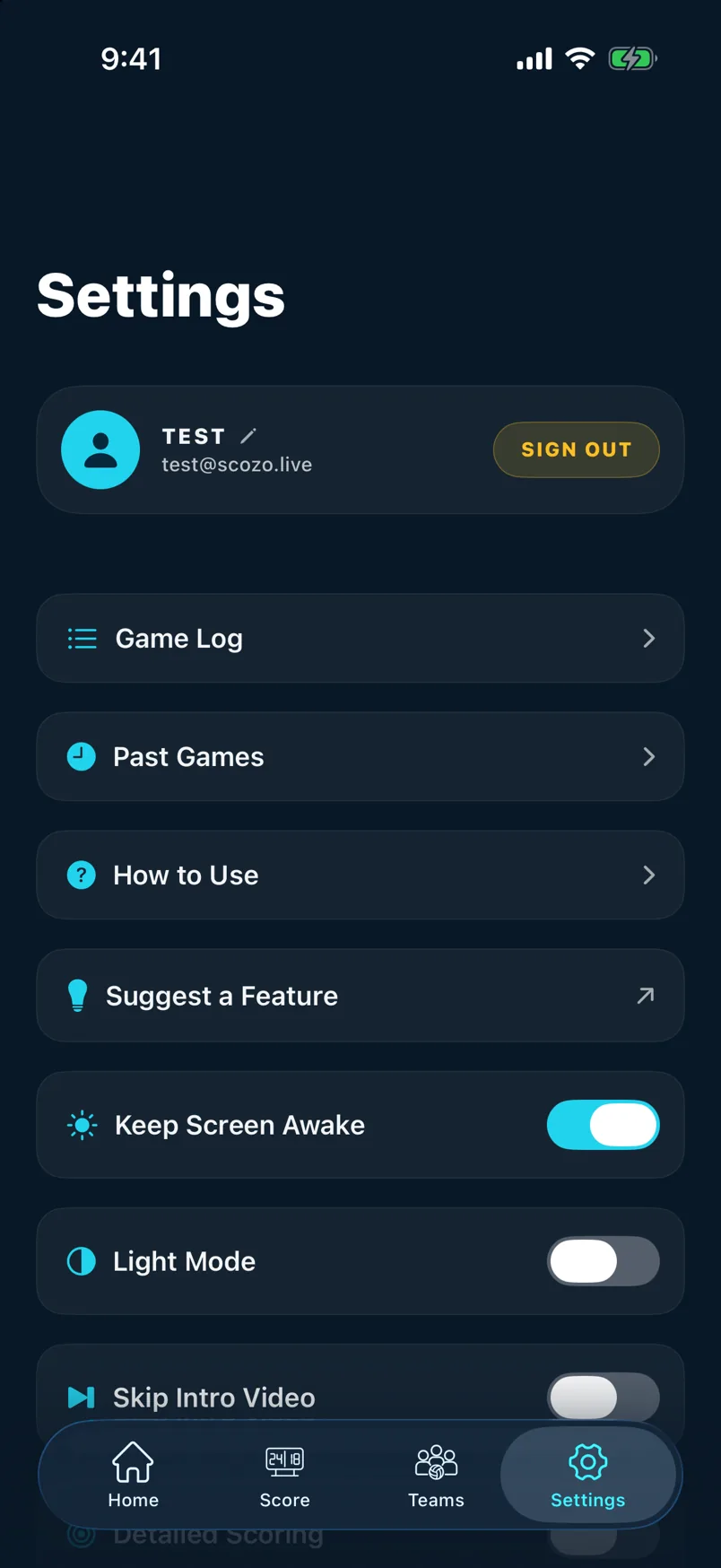
Adjust your display name, appearance, keep-awake, game log, and account options.
1
Display and game options
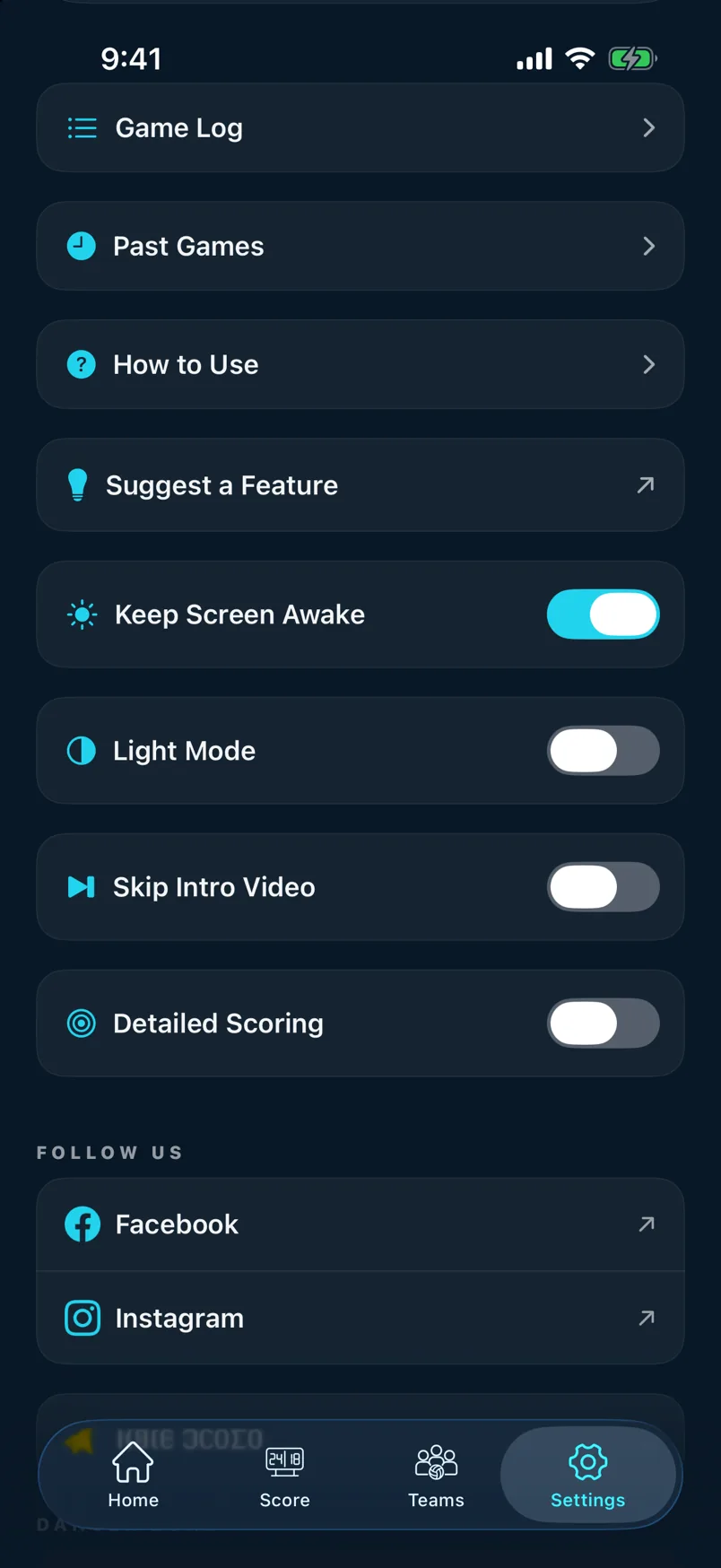
Open Settings from the home screen. The top section has four toggles: Light Mode (switches the app to a light theme), Keep Screen Awake (stops your screen dimming during a game), Skip Intro (skips the animated intro on launch), and Detailed Scoring (enables miss tracking and goal positions).
2
Game Log, History, and help
Further down: Game Log shows a raw event-by-event log of any current game for debugging; Past Games is a shortcut to History; How to Use opens this guide; and Follow Us links to ScoZo's social accounts. The bottom section has Rate ScoZo, Suggest a Feature, and account management.
Still stuck? support@scozo.live