Detailed Scoring
Track missed shots, who took them and goal positions, then check your shooting stats after the game.
Enable Detailed Scoring
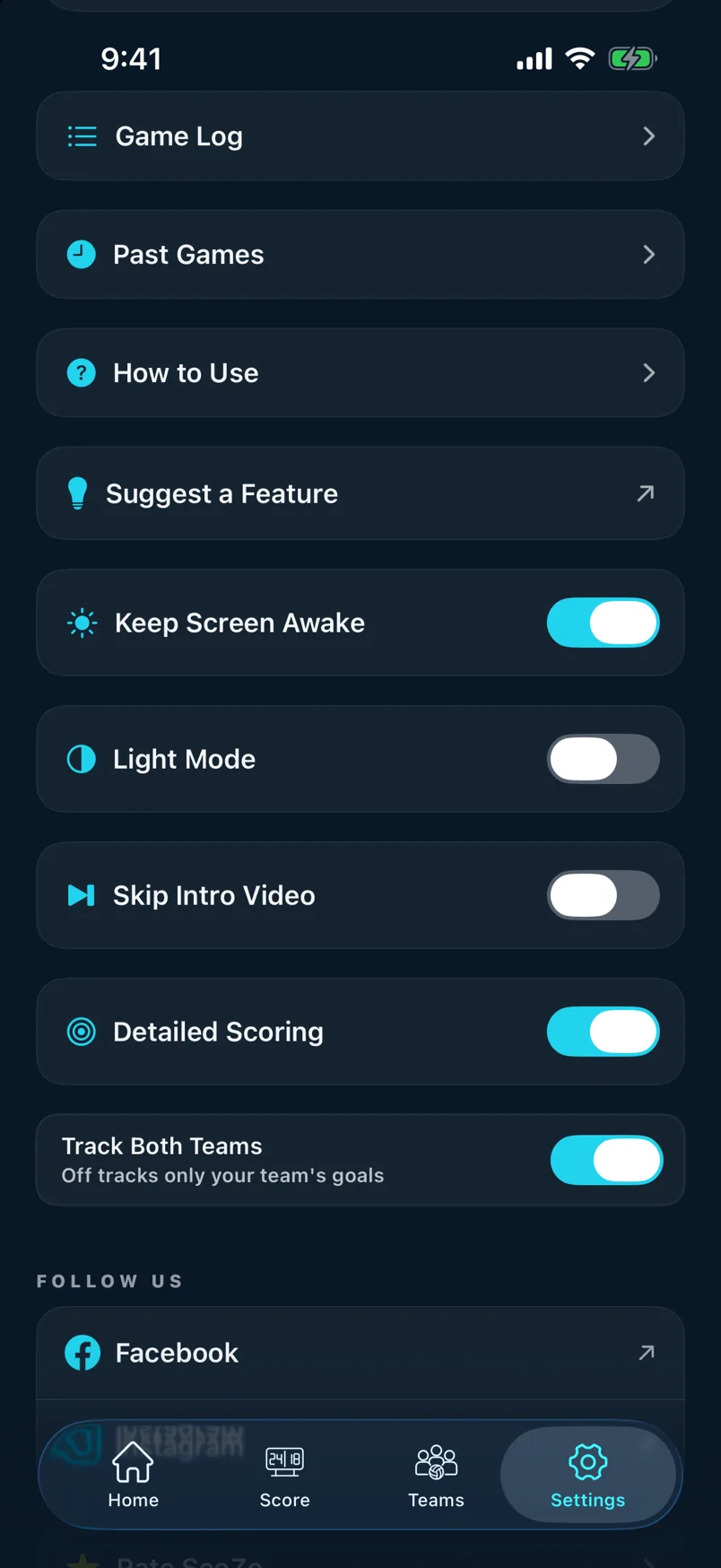
Open Settings and toggle on Detailed Scoring. You can also enable it directly in the setup sheet when starting a new game. Once on, Miss buttons appear on the scoreboard alongside the score buttons.
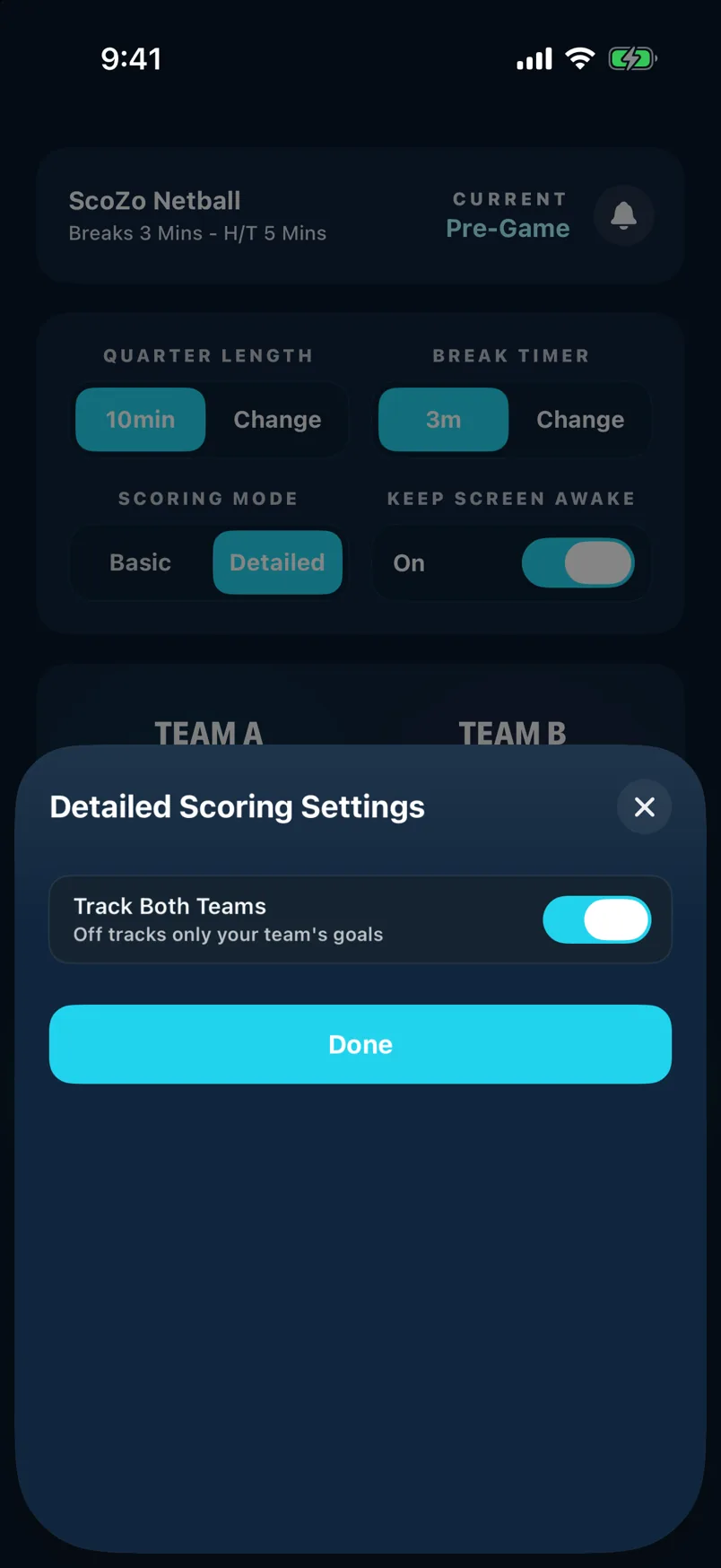
Logging missed shots
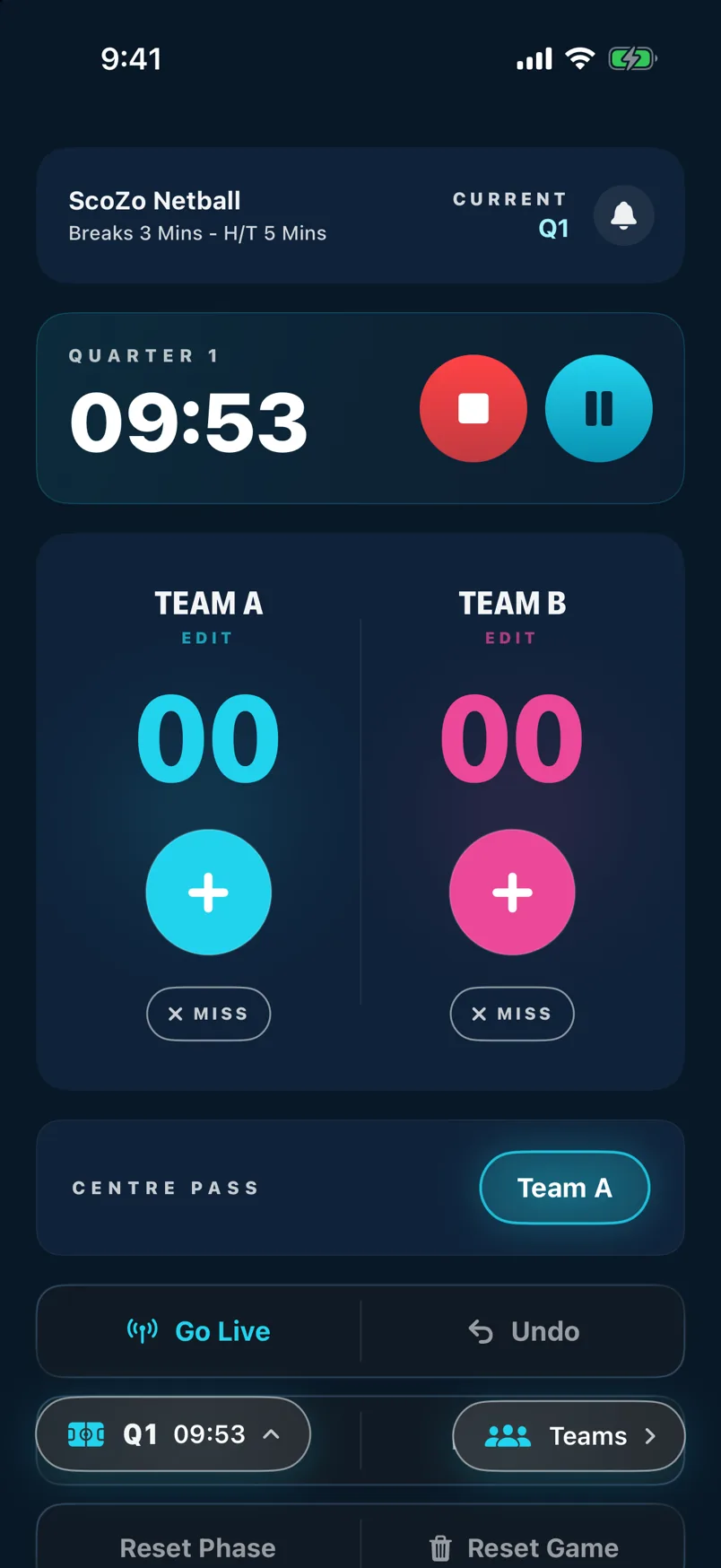
In Detailed mode the scoreboard shows a Miss button under each team. Tap it whenever a shot is attempted but doesn't score. A sheet then asks who took the shot.
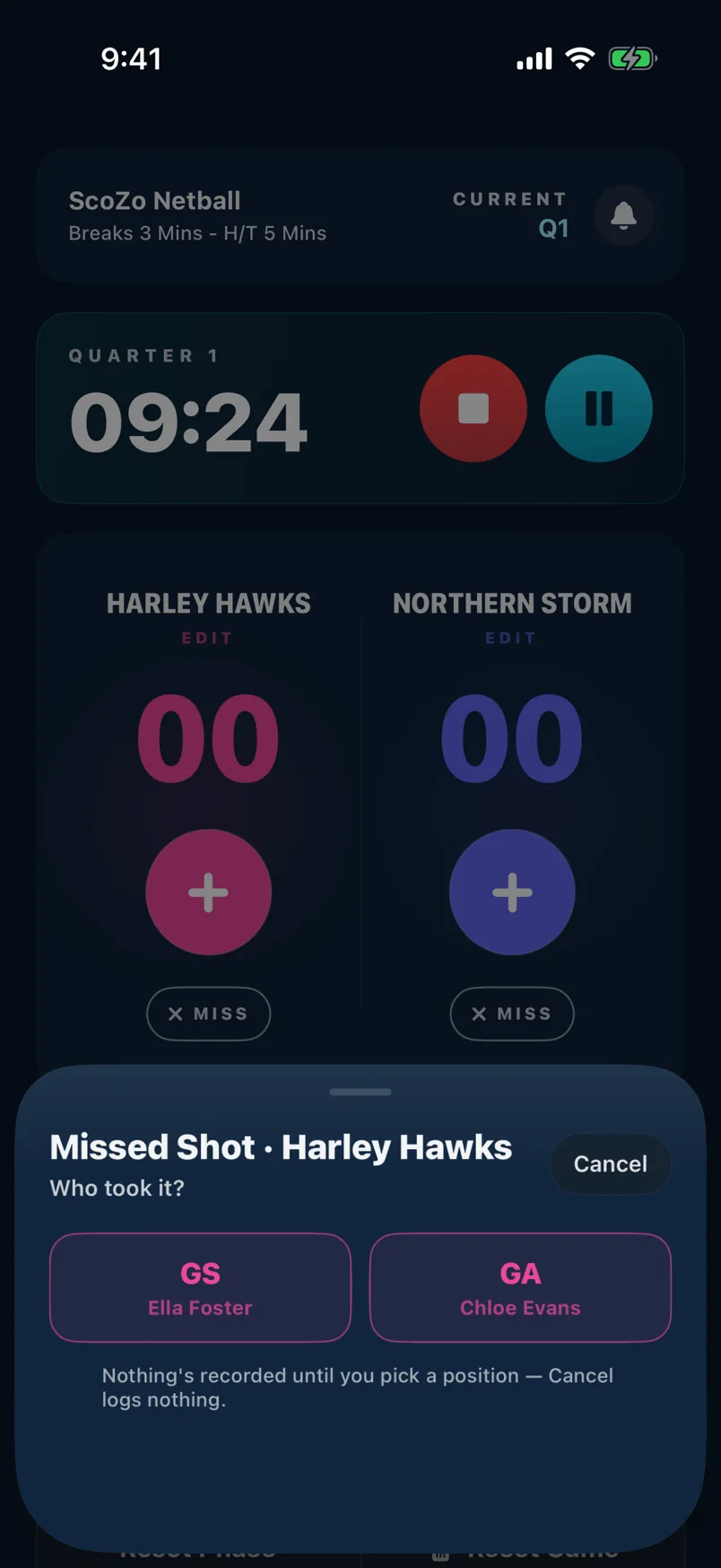
Choose who missed
The Missed Shot sheet asks Who took it? Tap GS or GA to record the miss against that position. If you've set a lineup for the quarter, the player's name shows under each position, so one tap records who missed. Nothing is recorded until you pick: Cancel logs nothing. After you pick, a Miss logged message appears with an Undo if you tapped the wrong one.
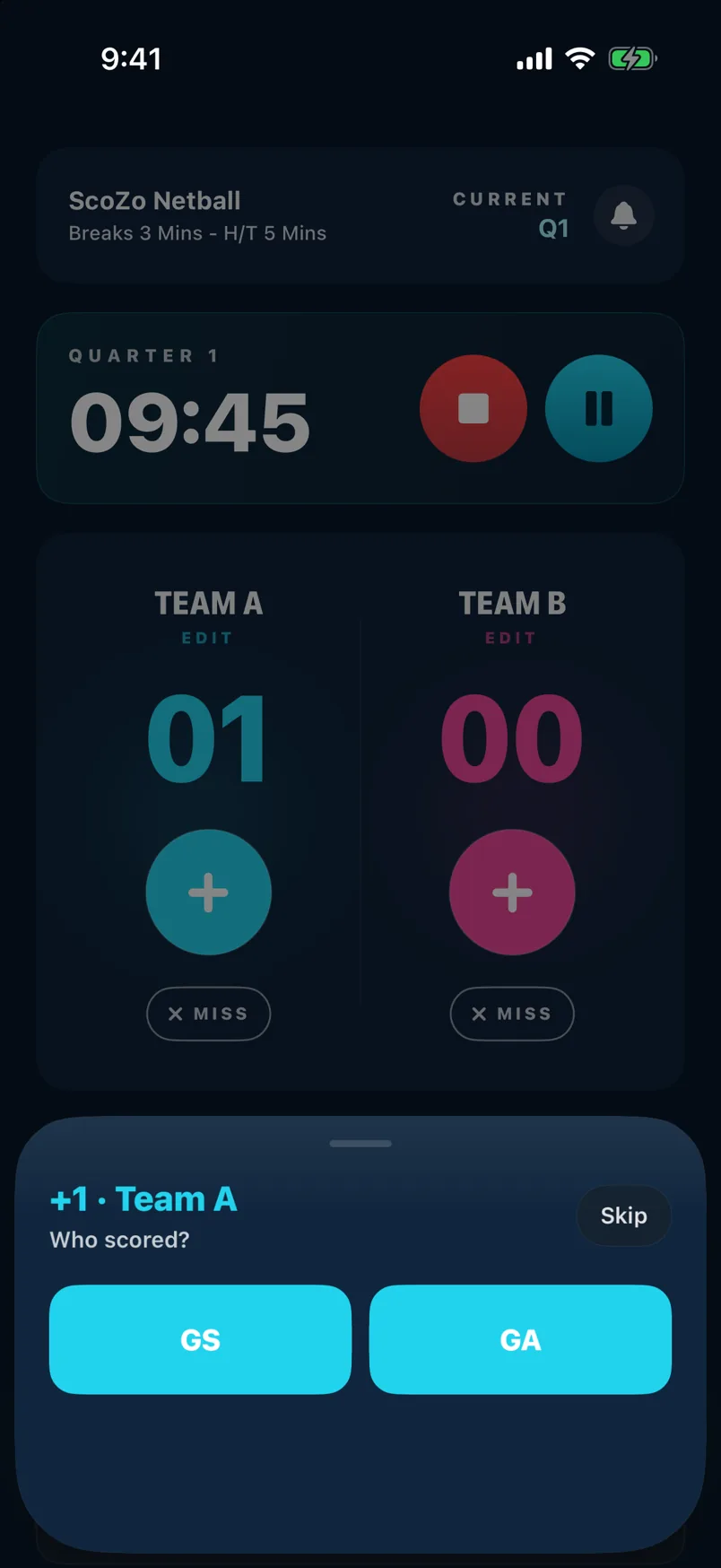
Goal position
After a goal is scored a goal position sheet appears. Tap where on the court the shot was taken from, or skip it. Position data is stored per goal and shown in the shooting stats breakdown in History.
Turn it off (or on) during a game
You can switch Detailed Scoring at any point in a game, not just before it starts. The Basic and Detailed buttons on the game setup panel are only there before the game begins, so once play has started, use Settings: tap the Settings tab and flip the Detailed Scoring toggle. It takes effect straight away. Turning it off hides the Miss buttons and stops the position prompts after goals, so you carry on scoring in Basic mode. Turn it back on to bring them back. Your score and the game clock aren't affected.
Check your stats after the game
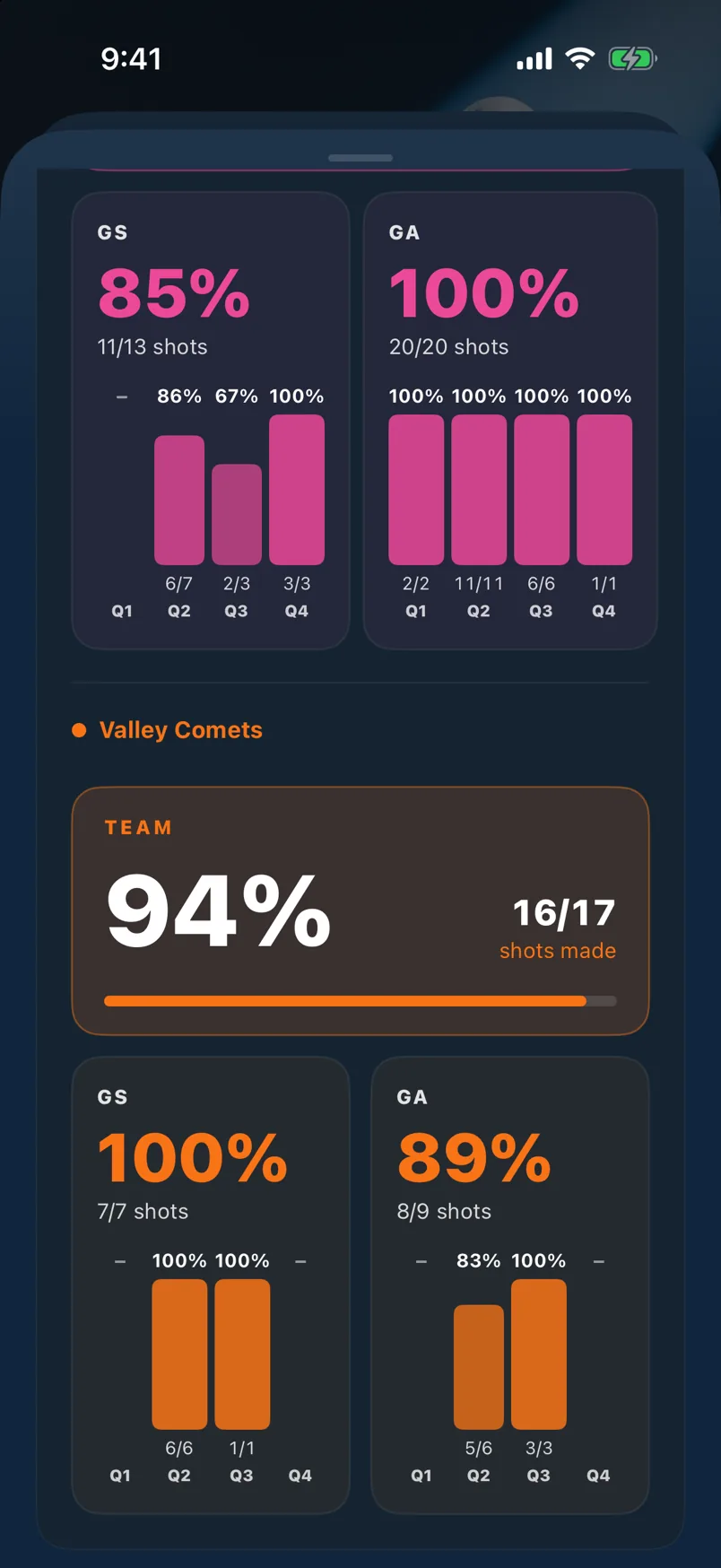
Once the game is saved, open Past Games (from View more matches on the Home screen, or from Settings) and tap the game. Scroll to Shooting Stats. Each team shows its overall shooting percentage and shots made, then a GS and GA breakdown with the percentage for every quarter. Only games scored in Detailed mode have these numbers.
Still stuck? support@scozo.live