Getting Started
Download ScoZo Netball, sign in or play as a guest, and score your first game in minutes.
Download the app
ScoZo Netball is free on iPhone and Android. Search ScoZo Netball in the App Store or Google Play, or visit scozo.com.au/netball and tap the download button.
Sign in or continue as guest
On first open you can sign in with email to save your game history and access it across devices, or tap Continue as Guest to start scoring immediately with no account. You can always sign in later from Settings.
Sign-in sheet
The home screen
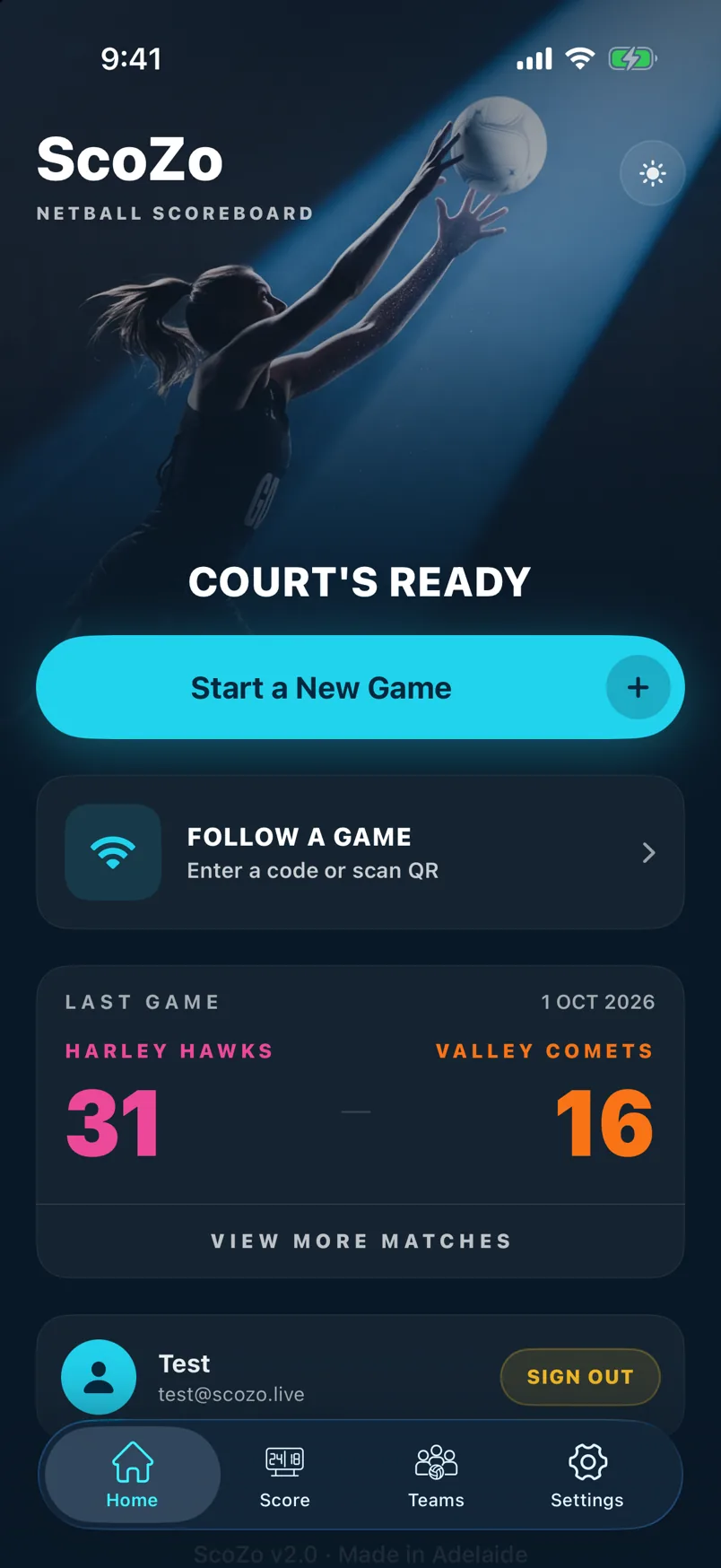
The home screen shows Court's Ready when no game is running. Tap New Game to start scoring, or Follow a Game to watch a live game someone else is scoring. If a game is already in progress it appears as a card you can jump straight back into.
Resume a game in progress
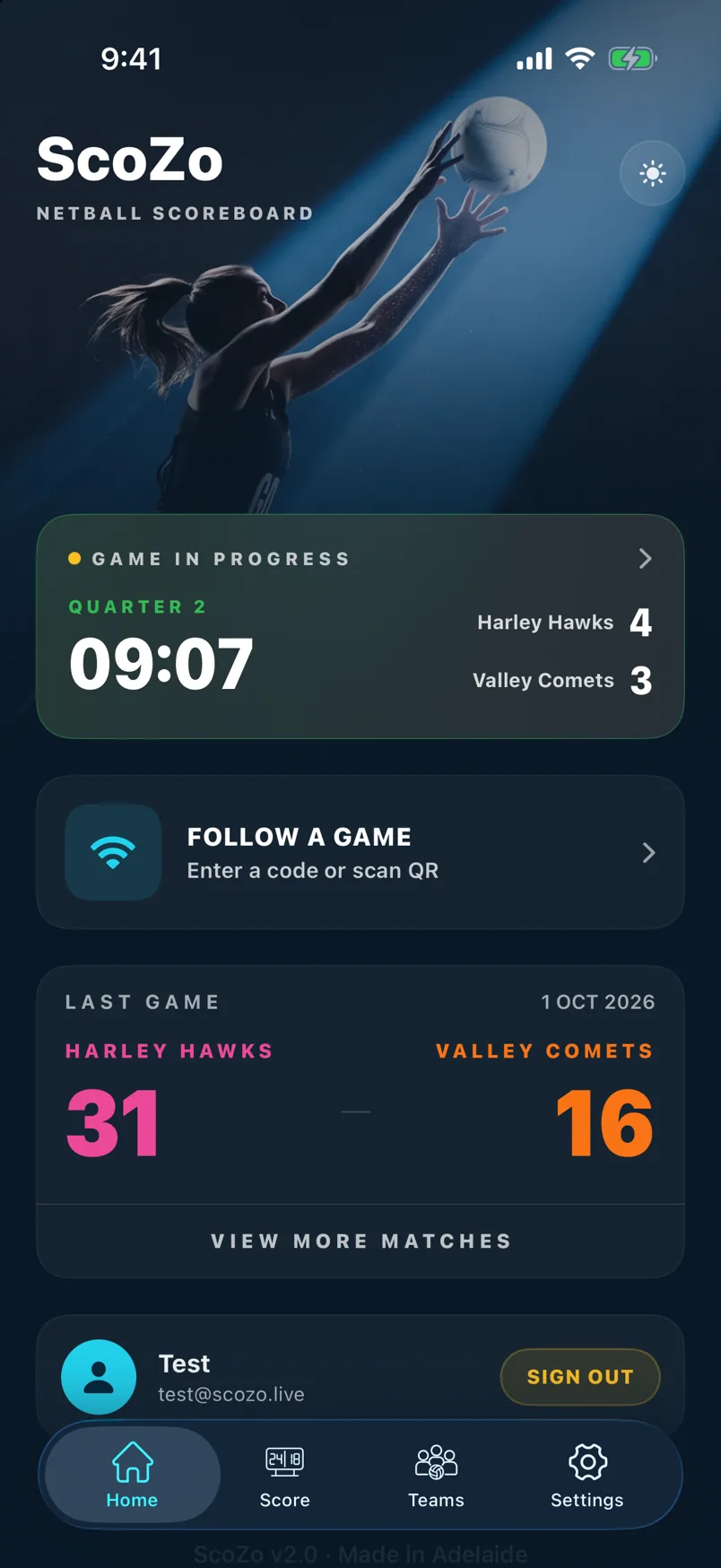
If you close the app mid-game, the home screen shows a Game in Progress card. Tap it to jump straight back to the scoreboard without losing anything.
Follow a live game
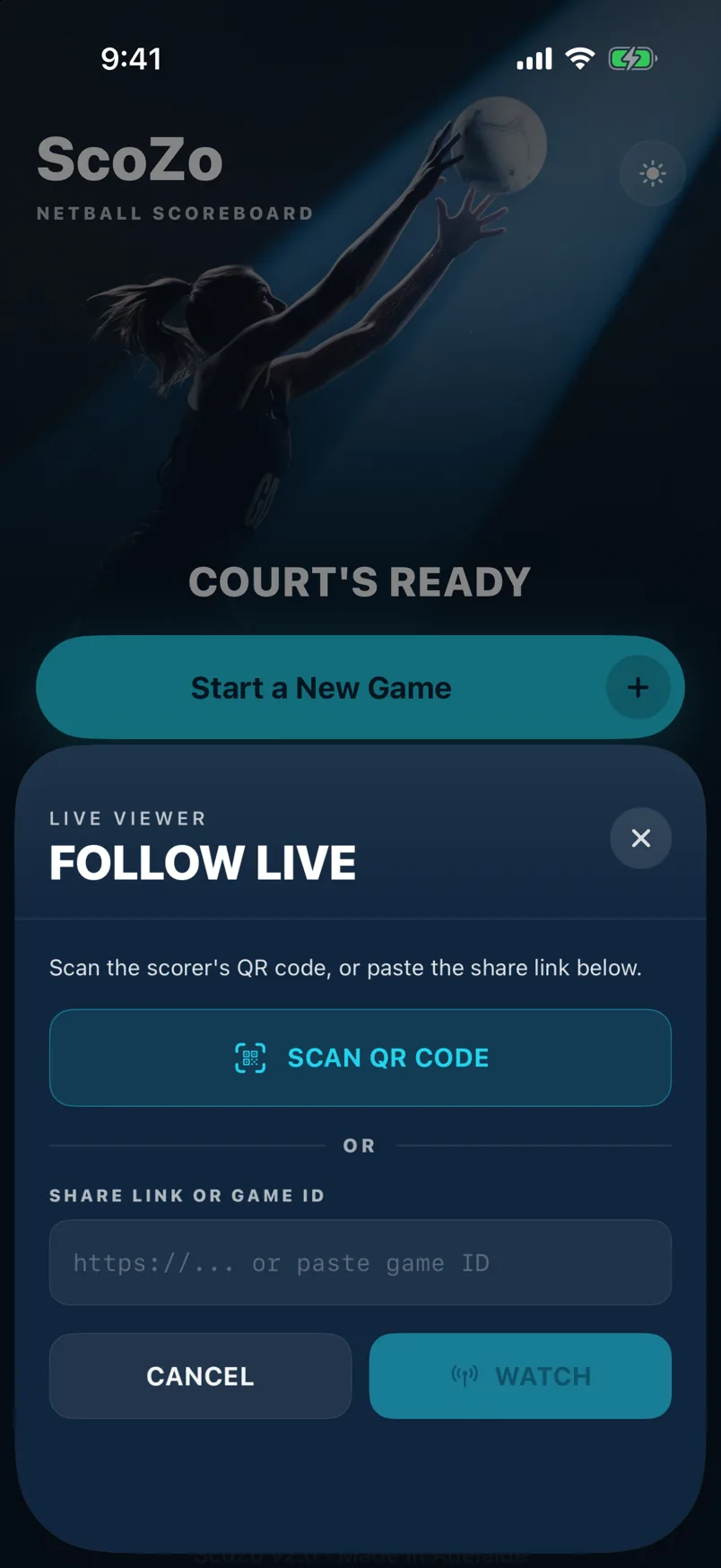
Parents and fans can watch any live ScoZo game without the app open. Tap Follow a Game on the home screen, then enter the 6-digit code or scan the QR from the scorer's phone. The scoreboard updates in real time.
The fan live view
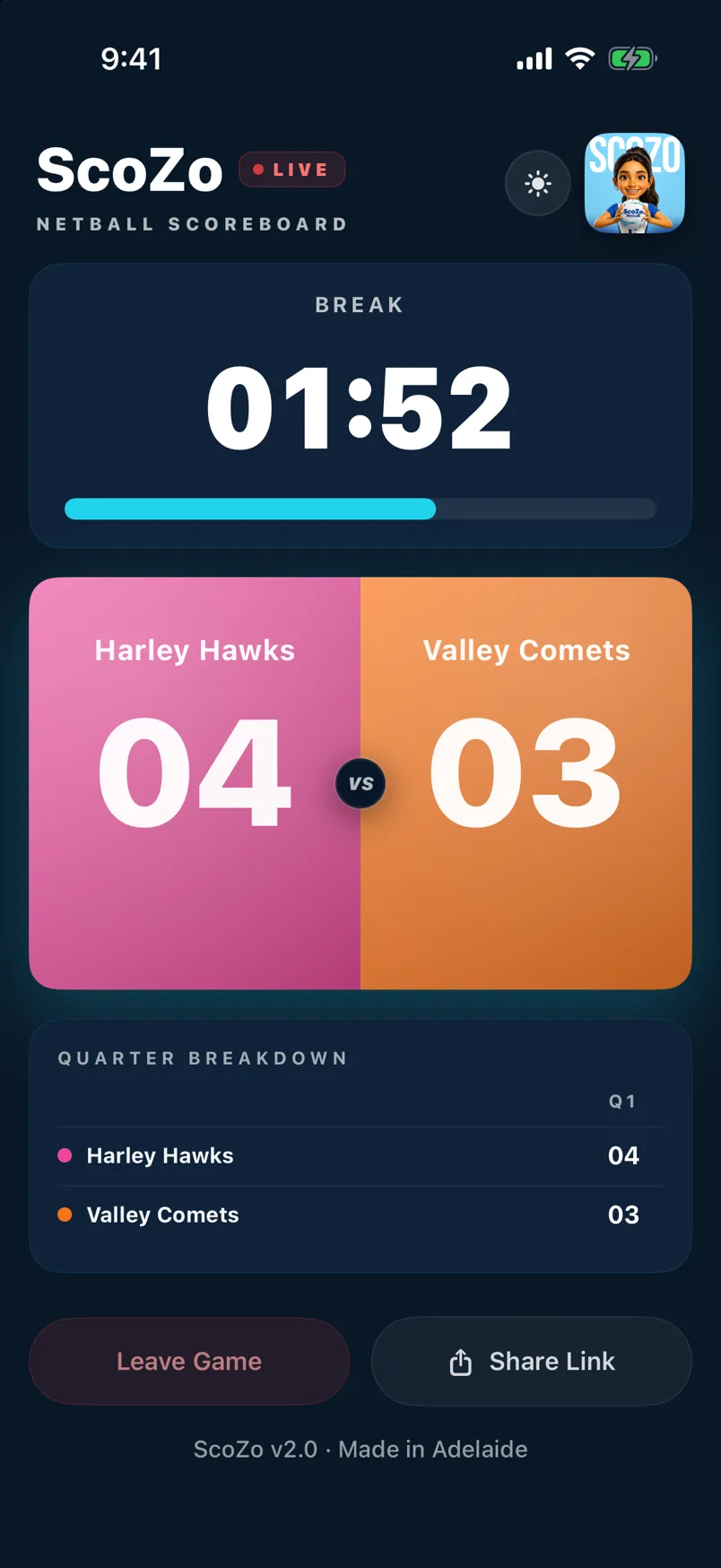
Once connected, fans see a live scoreboard with the current score, quarter, timer, and goal feed. No account needed to follow — just the code. See Go Live for how to share from the scorer's side.
Still stuck? support@scozo.live